
A website can no longer be just a “business card.” In 2025, an effective website is a living system: it adapts to user needs, to changes in search (looking at you, Artificial Intelligence), and to behavior in mobile environments. In short, a good website is one people want to come back to.
This article brings together the most important principles: from UX to SEO to page content structure.

What makes a website successful in 2026
A modern website must not only look visually appealing, but also be responsive, accessible, easy to understand within a few seconds, and readable both for people and for AI-driven search. Let's break that down.
{{{{service-card}}}}
Fundamentals of effective design: a few best practices & design principles
Keep it simple: less is more
A minimalist approach simplifies navigation and helps users focus on what truly matters.
- One primary action per screen.
- Contrast, typography, and spacing to create a clear visual rhythm.
- Conscious usage of color to highlight only what matters.
{{case-study}}
Accessibility and responsiveness
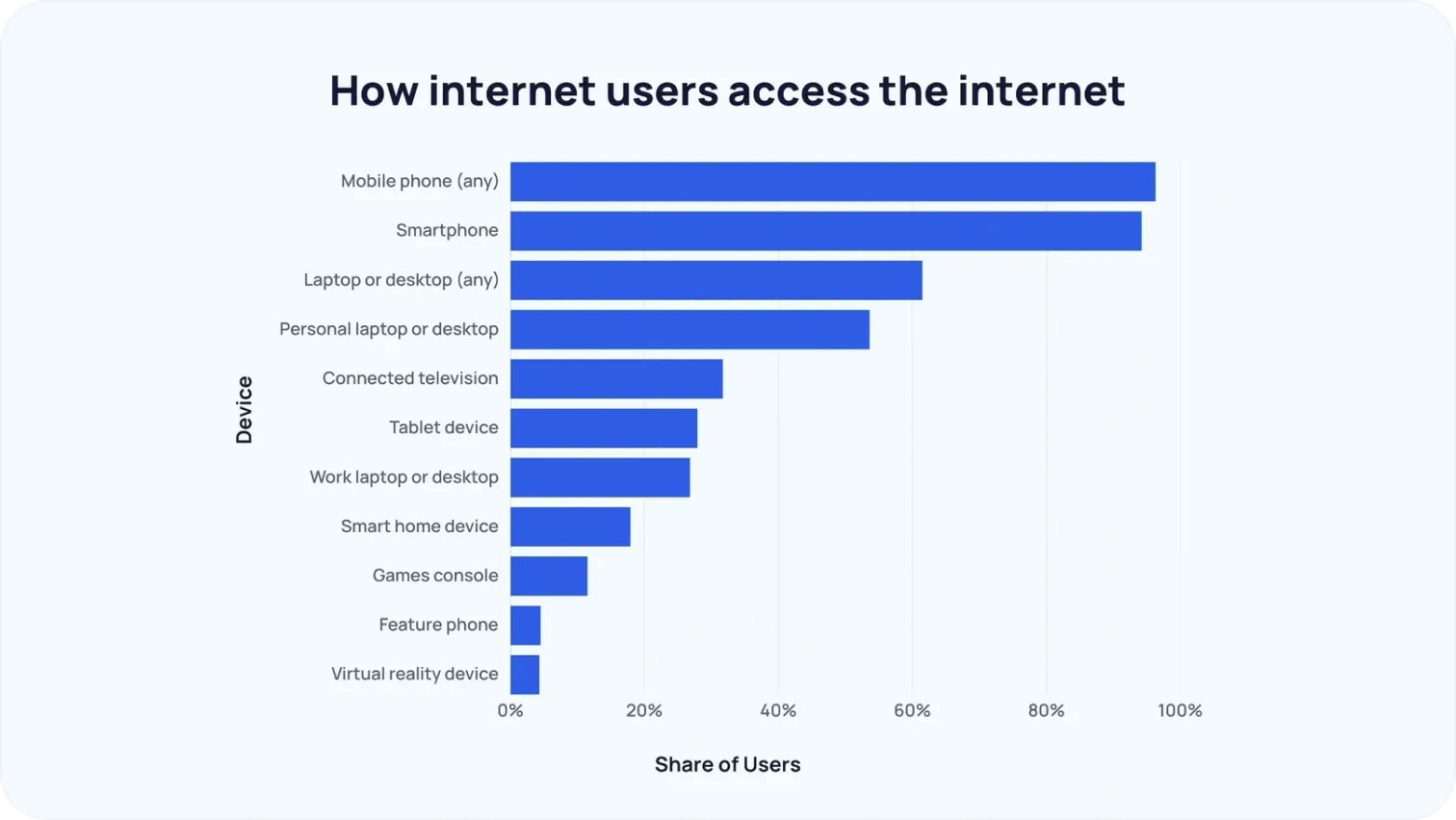
With few exceptions (like b2b), most traffic to most websites comes from mobile devices. This is no longer news.
- Design must work equally well on any screen size.
- Color contrast, alt text, and logical navigation are not optional extras, they are the foundation.
So forget the temptation of judging your website exclusively based on large computer screens. Each niche also requires its own intuitive design approach. For example, in OTT app development, TV apps must prioritize remote-friendly navigation, large focus states, and clear content hierarchies for lean-back viewing. In contrast, a clothing web app should focus on fast browsing, visual product grids, and a smooth mobile checkout experience. Understanding the user context defines what "good design" actually means.
Trust from the first seconds
Before reading a single word, users already decide whether to stay or leave.
- Client logos, testimonials, and media mentions help establish credibility.
- Real team photos and transparent storytelling about who you are build trust.
SEO in 2025: what really works
SEO has long stopped being about stuffing keywords. Today, what truly matters is:
- Being useful. Google's algorithms evaluate content quality, expertise, and structure. If your page does not address the users' need, you get ranked down.
- Optimizing for AI search. AEO, GEO — search engines are increasingly behaving like chatbots that provide short, meaningful answers. Among other things, this also means that, alongside with linkbuilding, you should also get quality brand mentions. An eCommerce SEO checklist can also help online stores stay structured and ensure all key optimization elements are properly implemented for better visibility and performance.
- Monitoring technical health. Sitemaps, HTTPS, speed, mobile-first — all of this remains just as relevant. Poor technical SEO hinders AI's and crawlers' ability to parse your pages.
Working with SayNine can help businesses build strategic backlinks and strengthen their online authority through effective link-building campaigns.
Key pages that should be perfected
No design or SEO effort will work if users can't find the information they need quickly and effortlessly. That's why certain pages on a website must be thought through down to the smallest detail. They shape the first impression, build trust, encourage action, and increase the chances that a user will stay on the site. Below is a list of core pages you should polish first.
Home page
The home page is the face of your brand. Users judge a website within the first 3–5 seconds, so it should include:
- Clear positioning: who you are and what you offer. It's best to avoid flowery or overly metaphorical language.
- Being useful. Google's algorithms evaluate content quality, expertise, and structure.
- Optimizing for AI search. AEO and GEO matter more than ever, search engines increasingly behave like chatbots that provide short, meaningful answers. Therefore, make sure you know which keywords you're targeting and place them strategically where it matters most: the URL, the H1 and H2's alongside with meta title and description.
- Keeping the technical foundation healthy. Sitemaps, HTTPS, speed, and mobile-first principles are still essential.

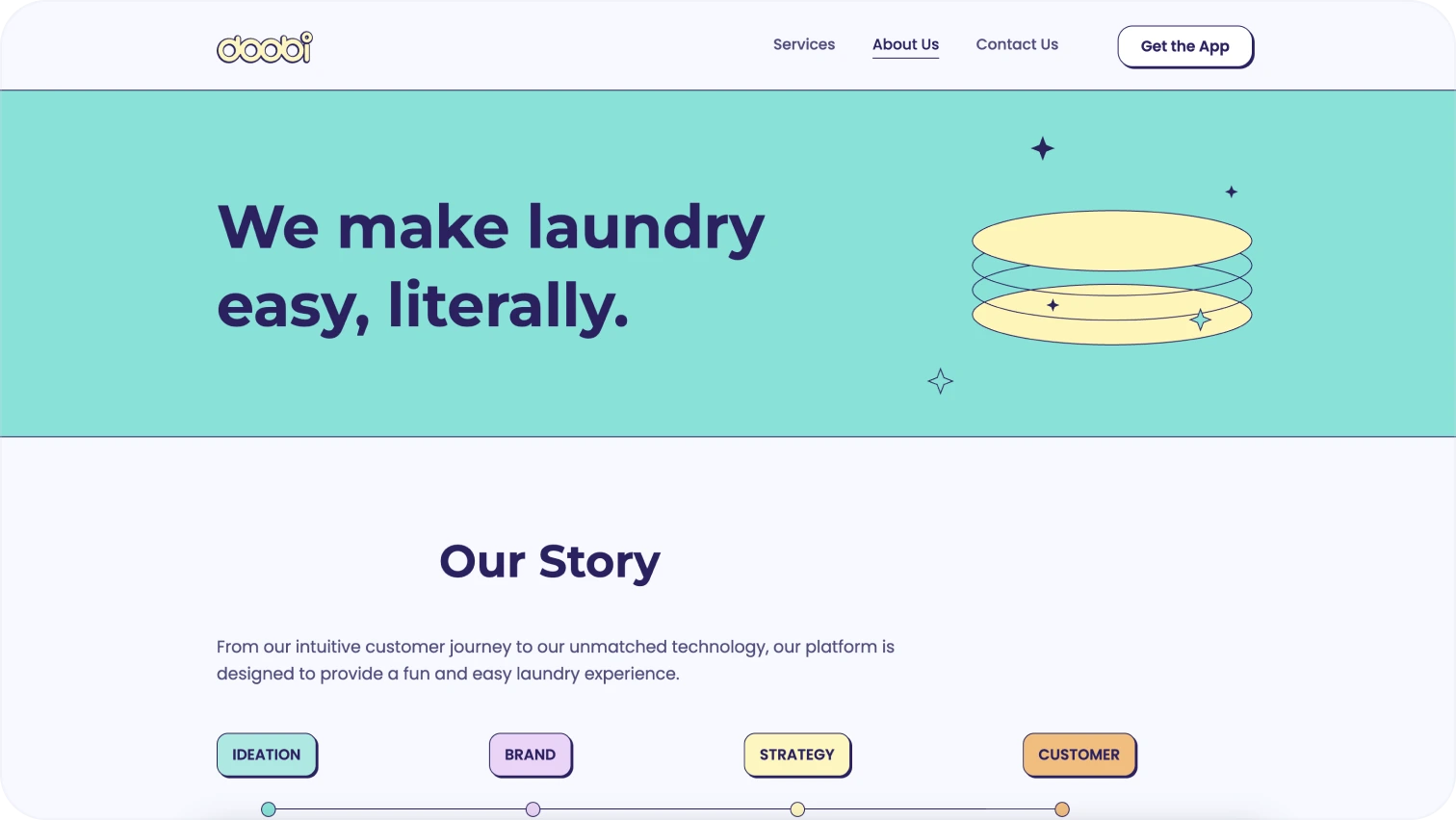
About us
This is the story that builds trust. People buy from people. As such, make sure it's clear:
- Who you are: your mission, founders, team, and values.
- What matters: concise copy, photos, possibly a timeline or media mentions.
- Visual elements: portraits, office photos, a CEO quote, chronology.
Services
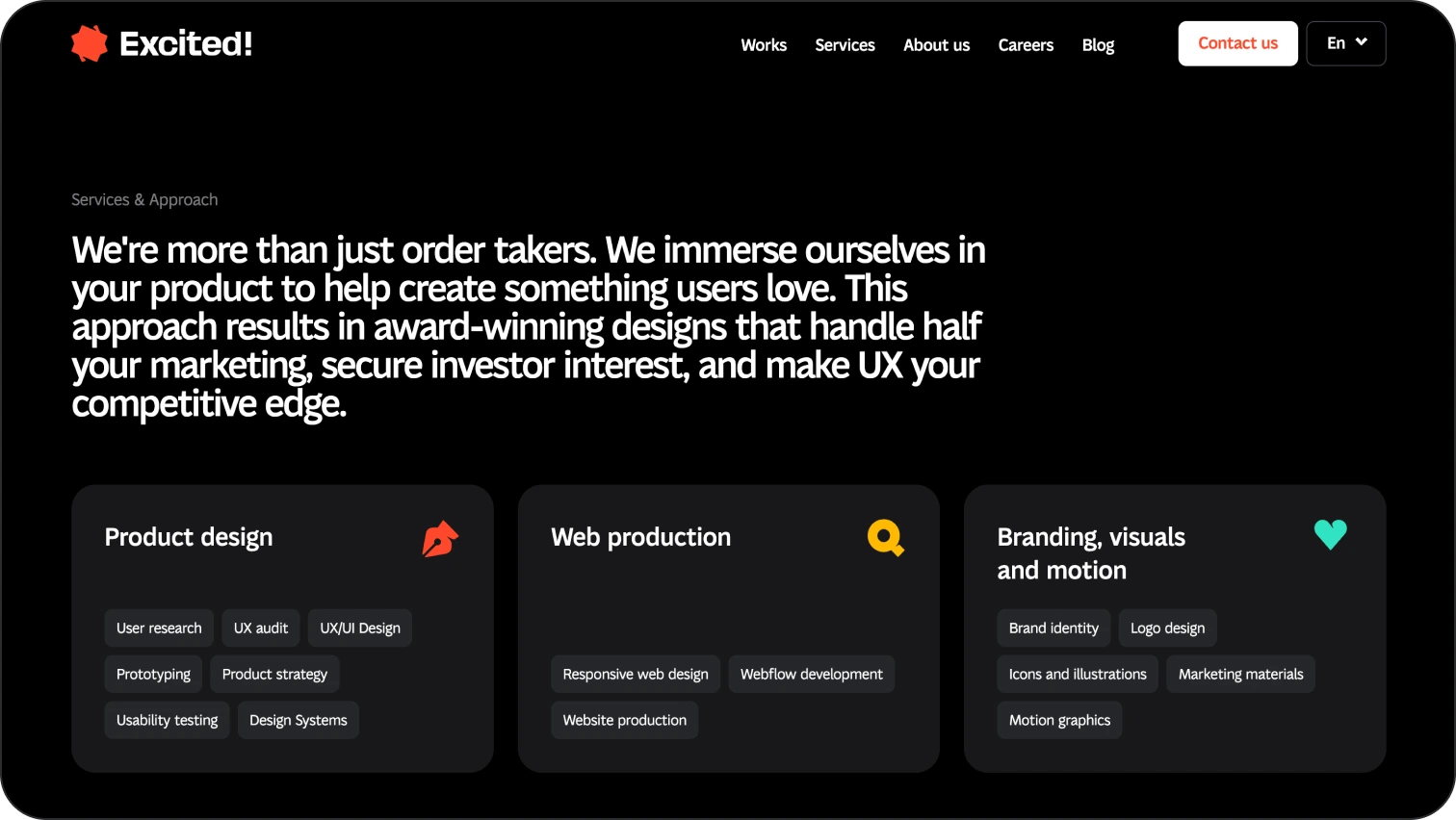
This page explains how exactly you can help.
- Descriptions of services or products: with examples, pricing, or benefits.
- Who it's for: the problems your service solves.
- Visual elements: icons, service cards, CTAs next to each offering.
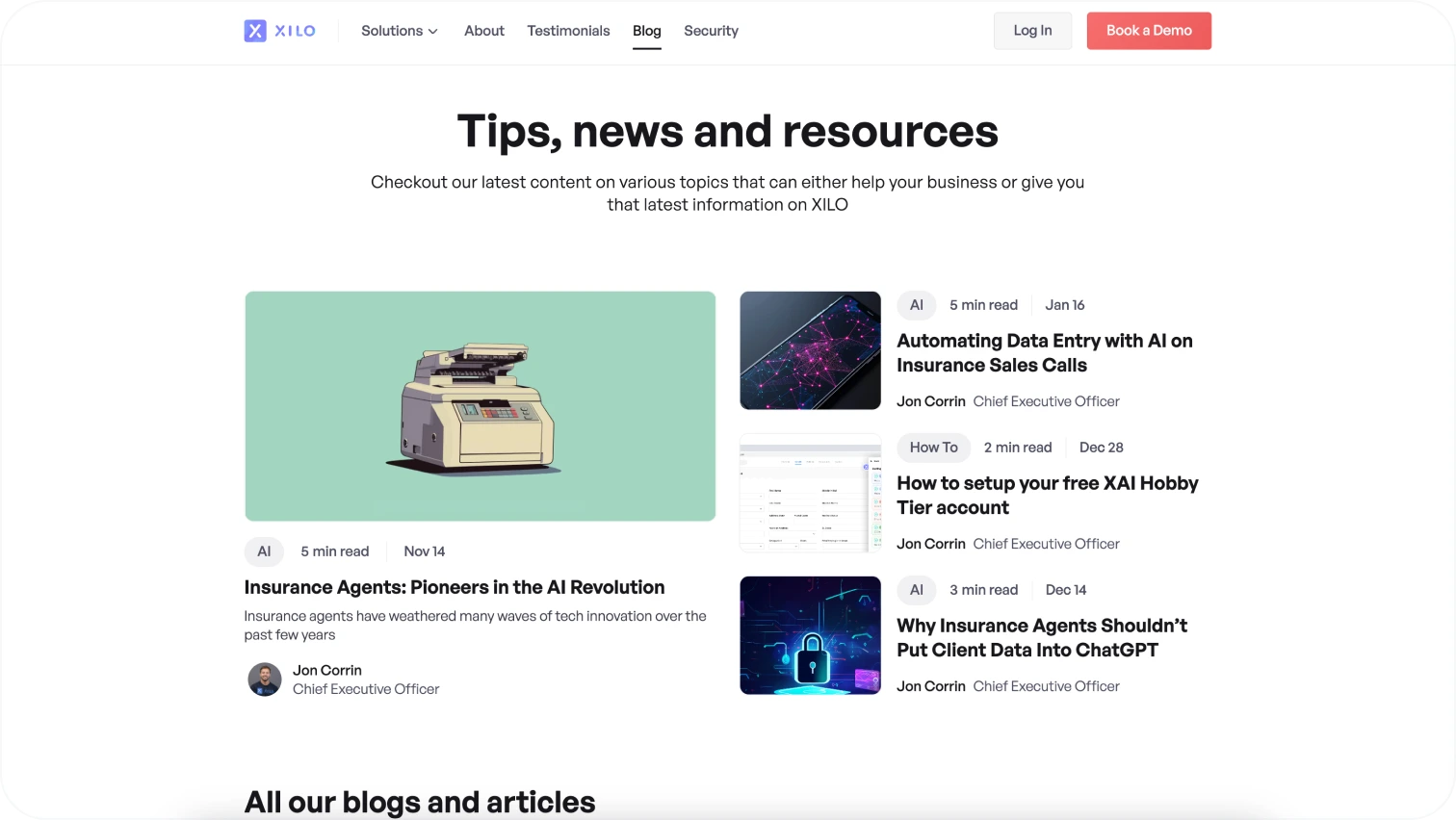
Blog / Resources
A blog is not a checkbox, it's a tool for SEO, expertise, and engagement.
- Content: guides, articles, news, analytics published regularly.
- SEO: keywords, structured text, internal linking.
- AI-ready: optimized for GEO/AEO (AI search).
Example of a blog page from the Xilo website.
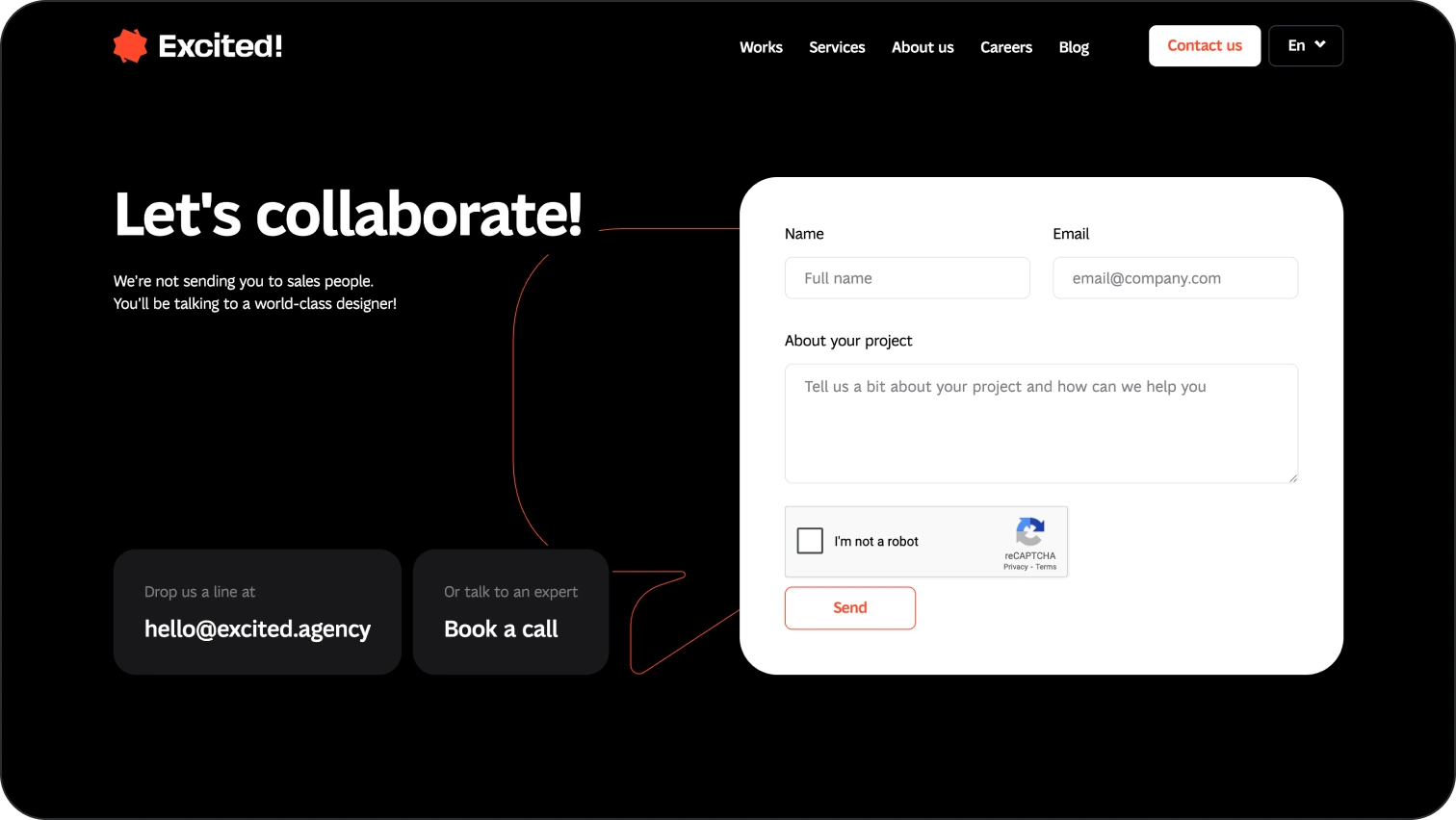
Contact page
This is where conversion should happen.
- Forms: simple, with a minimum number of required fields.
- CTAs: "Send a request," "Book a call," "Subscribe."
- Everything in one place: email, phone number, chat, map, social links.
Example of a "Contact" page from our website.
How to improve your website: what's worth doing
These practices help you build a website that not only looks good, but continuously improves and adapts to the needs of real users.
Ensure website speed
Why it matters:
Page load speed is a critical factor for both UX and SEO. Users don't wait, 1–3 seconds is the maximum before the risk of drop-off increases significantly. Same goes for Google. The slower the page, the less likely you are to rank.
How to improve it:
- Optimize images: using formats like WebP or AVIF significantly reduces file size. Large png's are a no-no.
- Lazy loading: don't load content that isn't yet visible on the screen.
- Code minification: reduce and combine CSS, JS, and HTML files.
- Use a CDN: content loads from the nearest server.
- Test with Google PageSpeed Insights: focus on LCP, FID, INP, and CLS.
Make site navigation clear and effortless
Why it matters:
Poor navigation means users can't find what they need, and they leave. Good navigation helps users orient themselves quickly, regardless of their technical background.
How to improve it:
- Intuitive structure: logical categories and clear menu labels.
- Sticky header: navigation is always accessible.
- Breadcrumbs: especially useful for large websites or eCommerce.
- A footer with all key links.
- Search functionality: with autocomplete and suggestions.
Analyze user experience
Why it matters:
What seems logical to a designer and developer may be confusing to a user. Analytics reveal real behavior, hesitation points, and exit paths.
How to improve it:
- Use Hotjar or Microsoft Clarity: heatmaps, scroll maps, session recordings.
- Google Analytics 4 (GA4): events, traffic sources, user behavior.
- A/B testing: compare two versions of elements or pages.
- On-site surveys: short questions like "Was it easy to find the information you needed?"
How SEO helps make your website better
Search engine optimization isn't just about keywords. In 2026, SEO relies on a strong technical base, relevant content, and clear structure to support effective Search Engine Positioning and long-term visibility.
Find out where your site ranks in search
The first step is understanding your current position.
- Check which keywords you rank for, which pages perform best, and how rankings change over time.
- Use tools such as:
- Google Search Console
- Ahrefs / SEMrush / Ubersuggest
- SERP simulators
- Analyze not only your own position but also competitors: which content formats work for them and which queries they cover. Additionally, for real estate agencies, specialized real estate SEO services help navigate unique challenges like localized search intent to ensure that property listings reach the most qualified prospective buyers. For competitor research, SimilarWeb is an industry standard.
Technical search engine optimization
Technical SEO is the foundation without which content simply won't work. It includes:
- A clean URL structure (clear, short, without unnecessary symbols).
- Speed optimization.
- Mobile-friendly design (responsiveness has long been a must-have).
- Fixing crawl errors (404s, duplicates, redirects).
- XML sitemap and robots.txt — help Google index your site correctly.
- Schema markup / structured data — helps your content appear in AI answers and enhanced search results (rich snippets).
Tools like Ahrefs and a Free SEO Analyzer will help you identify technical SEO issues, evaluate on-page optimization, and understand if your website has any outstanding problems. DNS checker tools can also help verify that domain records are configured correctly and propagating as expected, preventing technical issues that may affect site accessibility and search engine crawling.
Fresh content
Google's algorithms favor content that is fresh, useful, and relevant:
- Review older articles — add new examples and update statistics. Feel free to find a schedule works for you, but, at Excited, we try to update articles as often as we publish new ones.
- Regularly publish new pages — blog posts, case studies, guides.
- Write with search intent in mind — why is the user making this query?
- Use H1–H3 headings, lists, and images — for better UX, AI indexing and page scanability.
- Monitor keyword density — avoid over-optimization, since it's a red flag for Google.
Design examples of effective web design
A website that truly works isn't just the one that looks modern. It's a site that communicates the essence of a product without unnecessary words, guides users toward the right action, and remains pleasant to use on any device. Below are examples of websites that showcase their products through design, not just text or advertising.
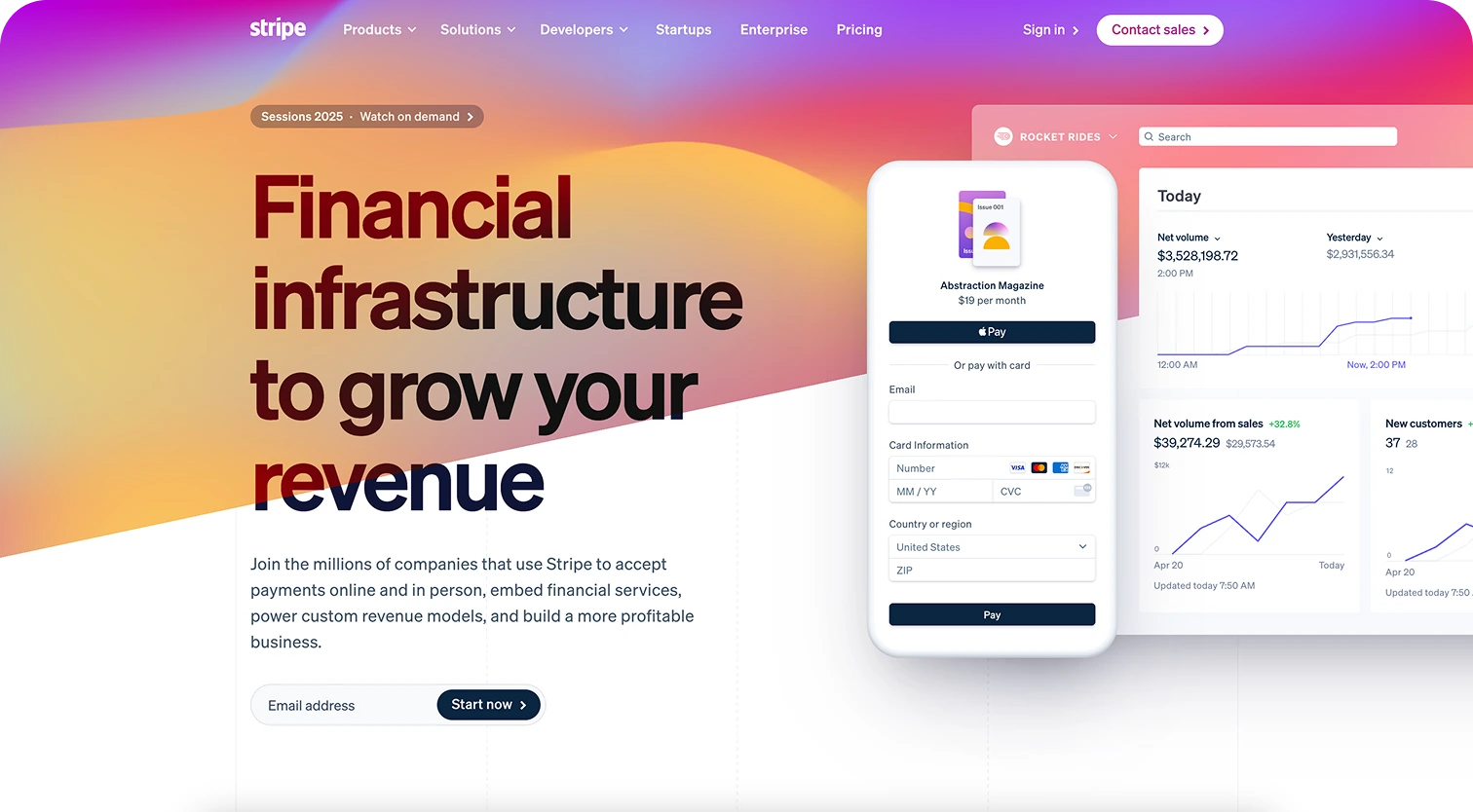
Stripe
- Minimalist design with strong visual hierarchy.
- Animations that help explain complex products.
- Excellent responsiveness: just as usable on mobile.
- Well-structured content suitable for AI search.
Pitch
- The product is shown in action: embedded animations and examples.
- Harmonious color palette and clean typography.
- Clear CTAs at every stage of the scroll.
- Blog pages with an SEO-friendly structure.

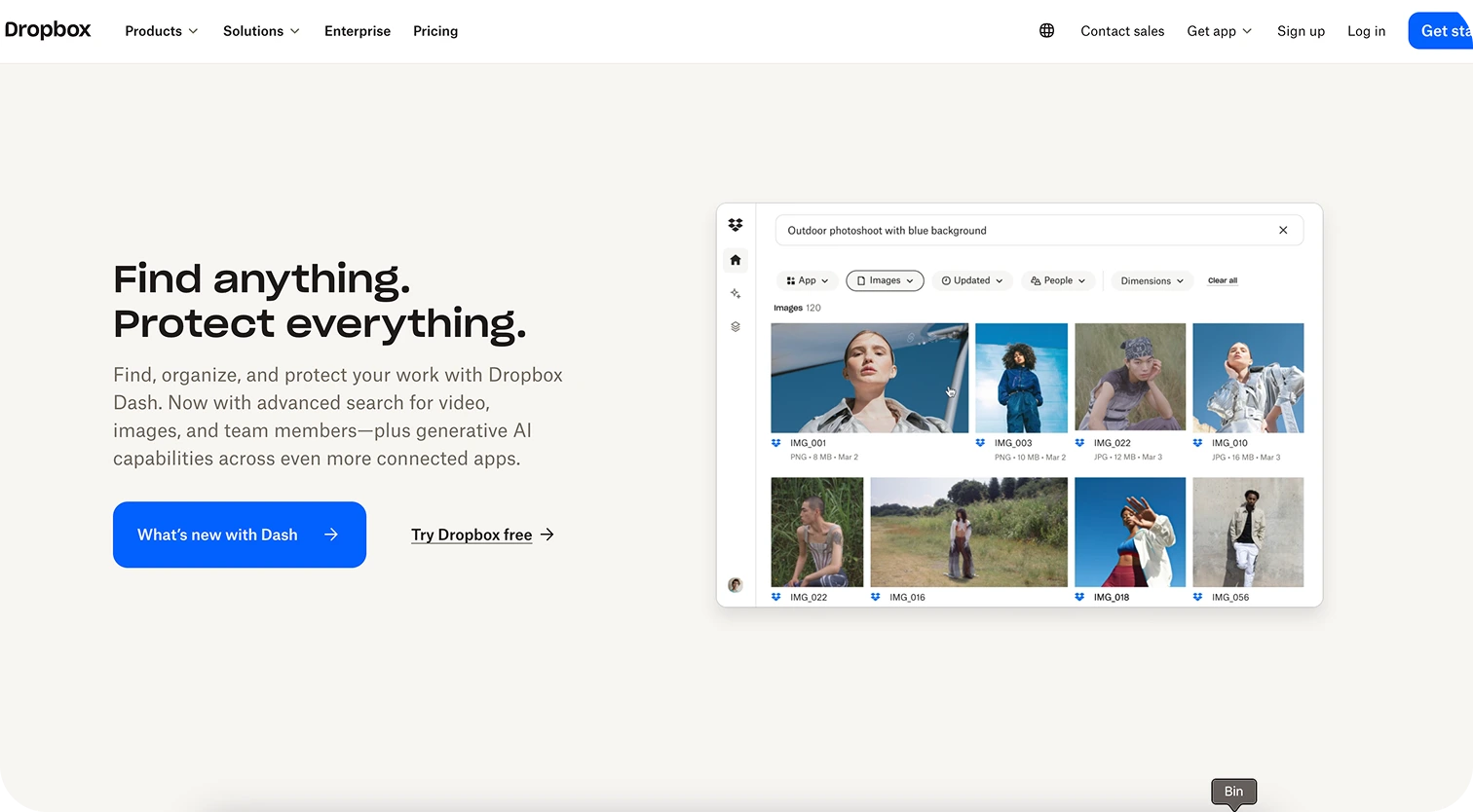
Dropbox
- Large headlines and clear messaging.
- Immediate demonstration of functionality on the first screen.
- Fast navigation between products and pricing.
- A powerful mobile experience.
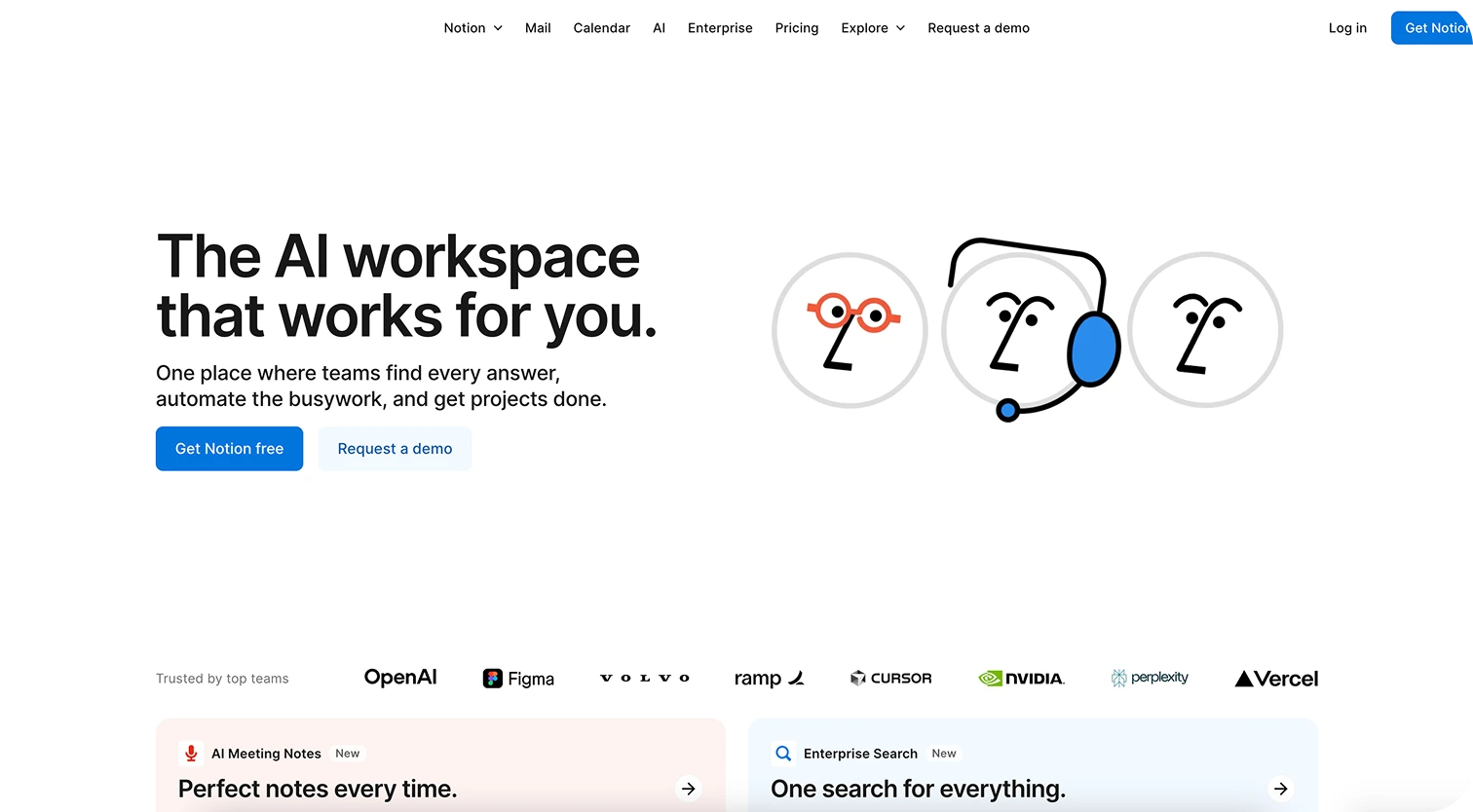
Notion
- Simple blocks with minimal distractions.
- Videos and examples that show real use cases.
- Separate pages for each target audience segment.
- A large amount of SEO-friendly content: help centers, guides, blog.
How to improve website performance: the best tools
Some advice we've shared so far may seem easier said than done. However, fret not. Below, we've listed some of handy tools to aid you in your website optimiation journey.
Speed and performance
- Google PageSpeed / GTmetrix — analyze loading speed and suggest improvements.
- WebPageTest — checks key metrics (LCP, CLS, INP).
SEO and visibility
- Google Search Console — helps you understand how Google sees your site.
- Ahrefs / SEMrush — analyze rankings, keywords, and backlinks.
UX analytics
- Hotjar / Microsoft Clarity — heatmaps and session recordings.
- GA4 — behavioral reports and conversions.
Accessibility and technical audits
- Lighthouse — quick performance and accessibility audits.
- WAVE / axe — checks compliance with WCAG standards.
Next steps: how to implement improvements
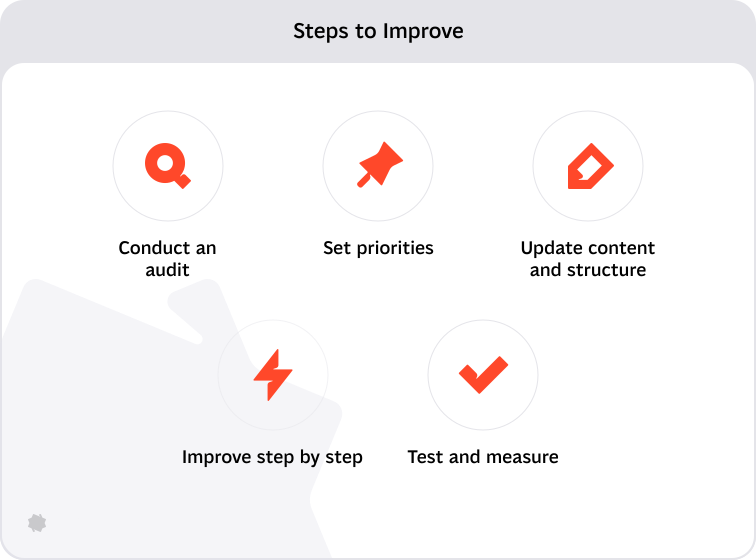
Now that you've reached the end of the article, let us give you a few parting actionable guidelines.
Run an audit
- Check site speed (via PageSpeed or GTmetrix).
- Analyze SEO metrics (via Search Console, Ahrefs).
- Review UX and navigation (user journeys, heatmaps, GA4).
See anything that needs improvement? Well, you now have your work cut out for you.
Set priorities
- Separate tasks into technical (speed, SEO) and visual (design, content).
- Assess what has the biggest impact on conversion and trust.
Update content and structure
- Refresh key pages: Home, About, Services, Contact.
- Optimize meta data, headings, ALT text, and internal links.
Improve step by step
- Start with quick wins — simple changes that deliver noticeable results.
- Move on to deeper improvements: redesign, SEO strategy, content planning.
Test and measure
- Implement changes → track results (conversions, time on site, rankings).
- Use A/B testing for key CTAs or pages.
And finally: the most important thing
If you're planning improvements, start with analysis, set clear priorities, act incrementally, and measure results. Remember: even small changes can have a significant impact on visibility and user engagement.
Service short description