
A great interface doesn’t automatically guarantee a great experience. Often, it’s only at the moment when a user first interacts with a product that we truly understand what works, what causes confusion, and what creates delight. At Excited, we don’t rely on guesswork — we validate.
Prototyping is our primary testing environment. It allows both clients and the team to see the product before development even begins. It’s a way to capture hypotheses, demonstrate logic, test scenarios, and make informed decisions.
What Is UX Prototyping and Why It Matters
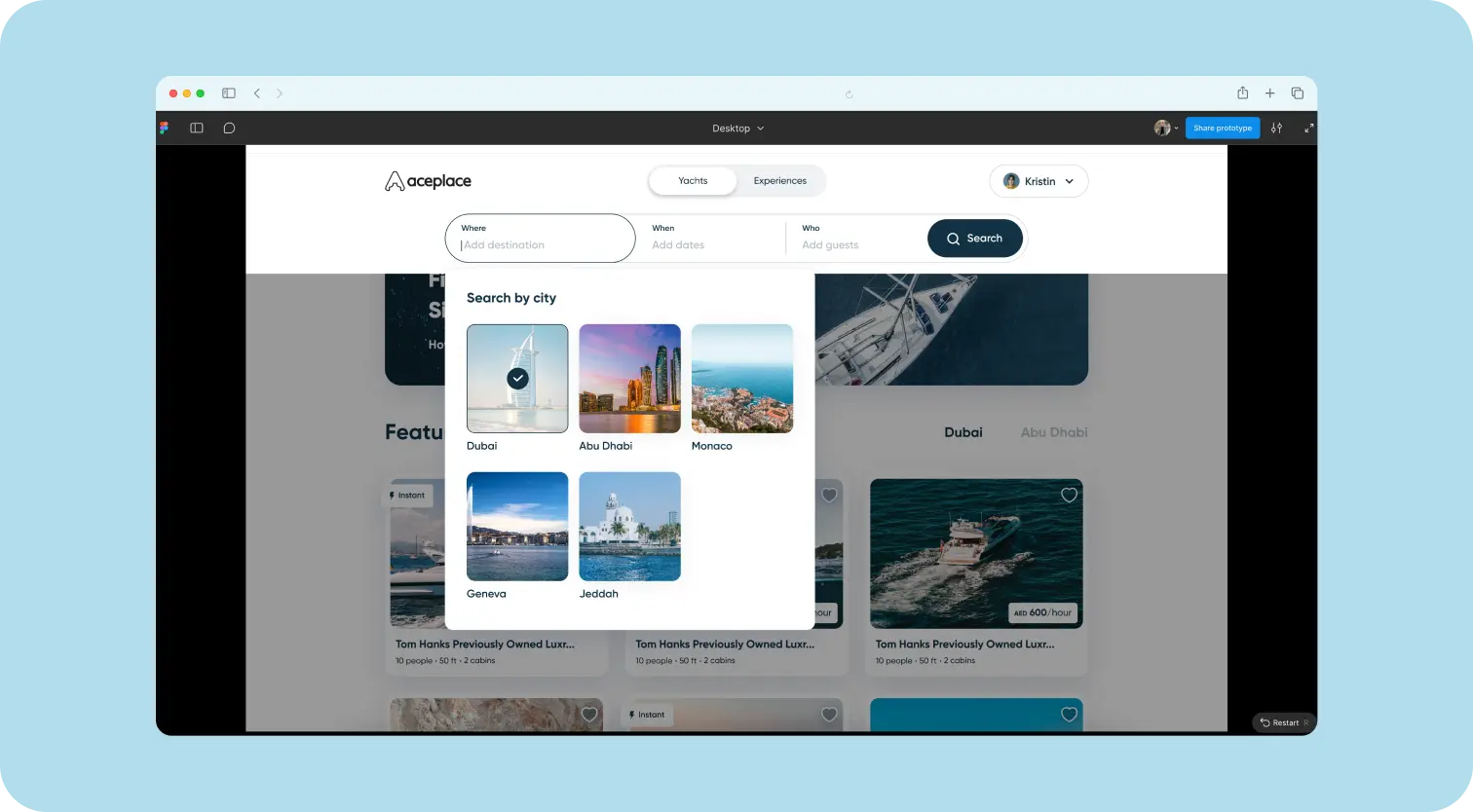
A prototype is an early version of a product created to test logic, usability, and interactions before writing a single line of code. It can be very basic (a wireframe) or closely resemble the final product — complete with clickable elements, animations, and transitions.
The goal isn’t just to “draw screens,” but to understand how the concept works in a real-world context.
A prototype helps to:
- collect feedback before development starts;
- identify UX weaknesses early;
- align vision across all stakeholders;
- reduce the number of changes during development;
- test logic, navigation, and behavior in action.
{{{{service-card}}}}
Types of Prototypes
Low-fidelity prototypes are simple, schematic layouts that allow teams to quickly evaluate structure and logic.
High-fidelity prototypes are detailed, interactive mockups that closely simulate the real product. They are ideal for usability testing, presentations, and handoff to development.
{{case-study}}
How We Prototype
Depending on the project stage, we use different types of prototypes.
Preparation
We define which scenarios, user roles, and hypotheses we want to test.
Creation
We build the visual style and add logic, interactivity, animations, states, and transitions. The level of detail depends on the goal — whether we need to show, explain, or test.
Testing
We conduct usability sessions with real or potential users, documenting difficulties, misunderstandings, and points where users get stuck. The prototype also serves as a demo tool — both for the internal team and future users.
Analysis and Iteration
We process feedback, capture insights, update logic, improve design, and refine the structure.
Prototypes = Business Value
Prototypes are not just a design tool. They deliver direct business value by enabling faster decision-making, reducing risks, and protecting budgets.
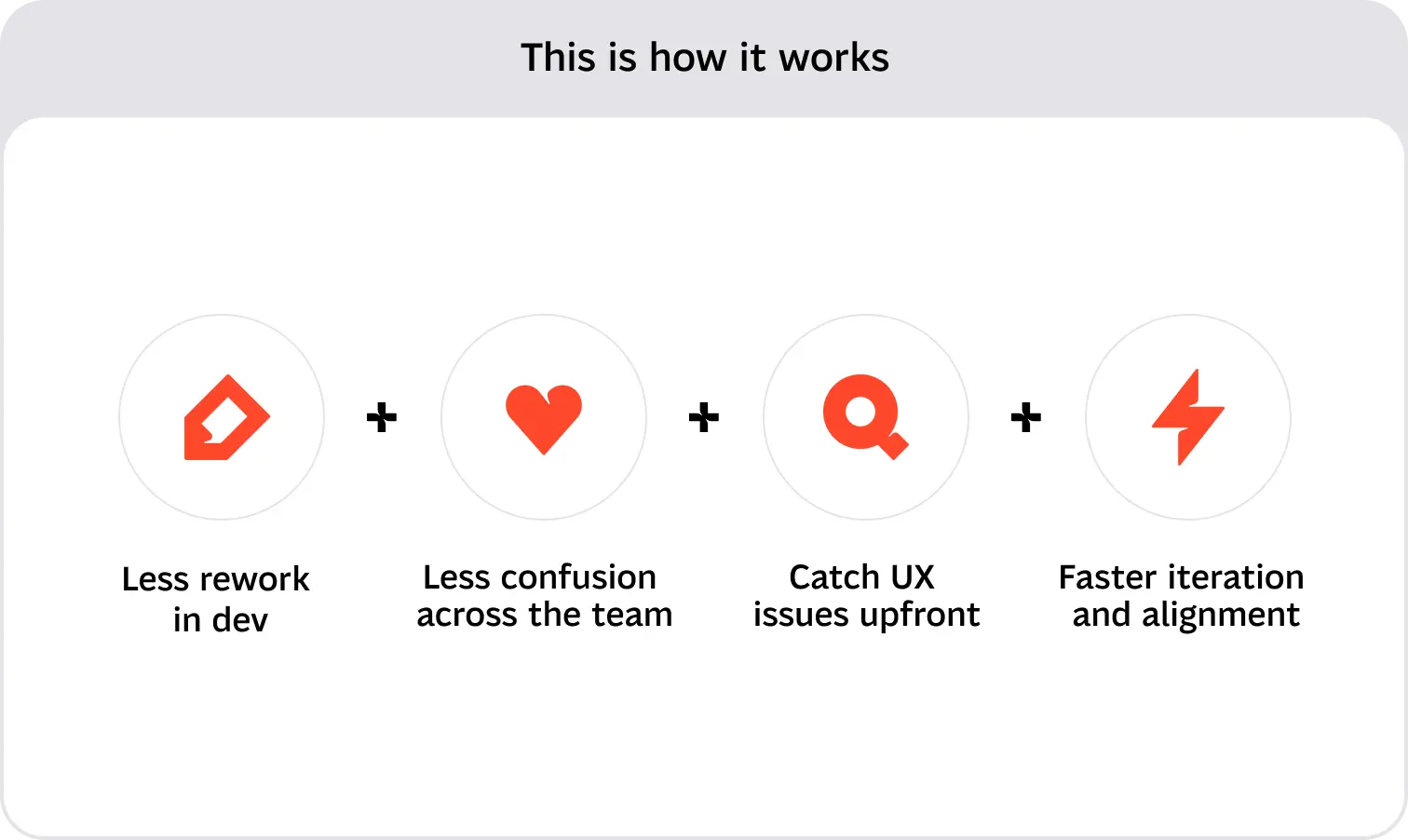
This is how it works:
- Less rework during development
- Less confusion across the team
- Catch UX issues upfront
- Faster iteration and alignment
How Prototypes Create Business Value
Less rework during development
The biggest costs usually don’t come from design, but from situations where code has already been written and something suddenly needs to be redone. Prototypes make it possible to test logic and user experience before development starts, significantly reducing revisions, delays, and unnecessary work.
Less confusion within the team
Explaining flows with words or spreadsheets is risky. A prototype allows you to show instead of tell, aligning designers, developers, and clients around the same understanding.
Validating UX hypotheses before launch
A prototype is an ideal environment for experimentation. It allows teams to test multiple logic flows, layouts, or feature concepts before investing resources into implementation.
Faster iteration and alignment
With a prototype, changes take minutes instead of weeks. This not only saves costs but also significantly accelerates decision-making at every level — from leadership to frontend development.
Prototyping Tools
At the core of our process is Figma. It’s our #1 tool and covers all the needs of a design team — from quick wireframes to detailed interactive prototypes.
Why we work with Figma:
- Speed and flexibility
- Real-time collaboration (comments, versions, change history)
- Direct prototype preview in the browser
- Automation through Auto Layouts and design systems
- Powerful AI tools
Alternatives
Here are a few prorotyping tools you can consider.
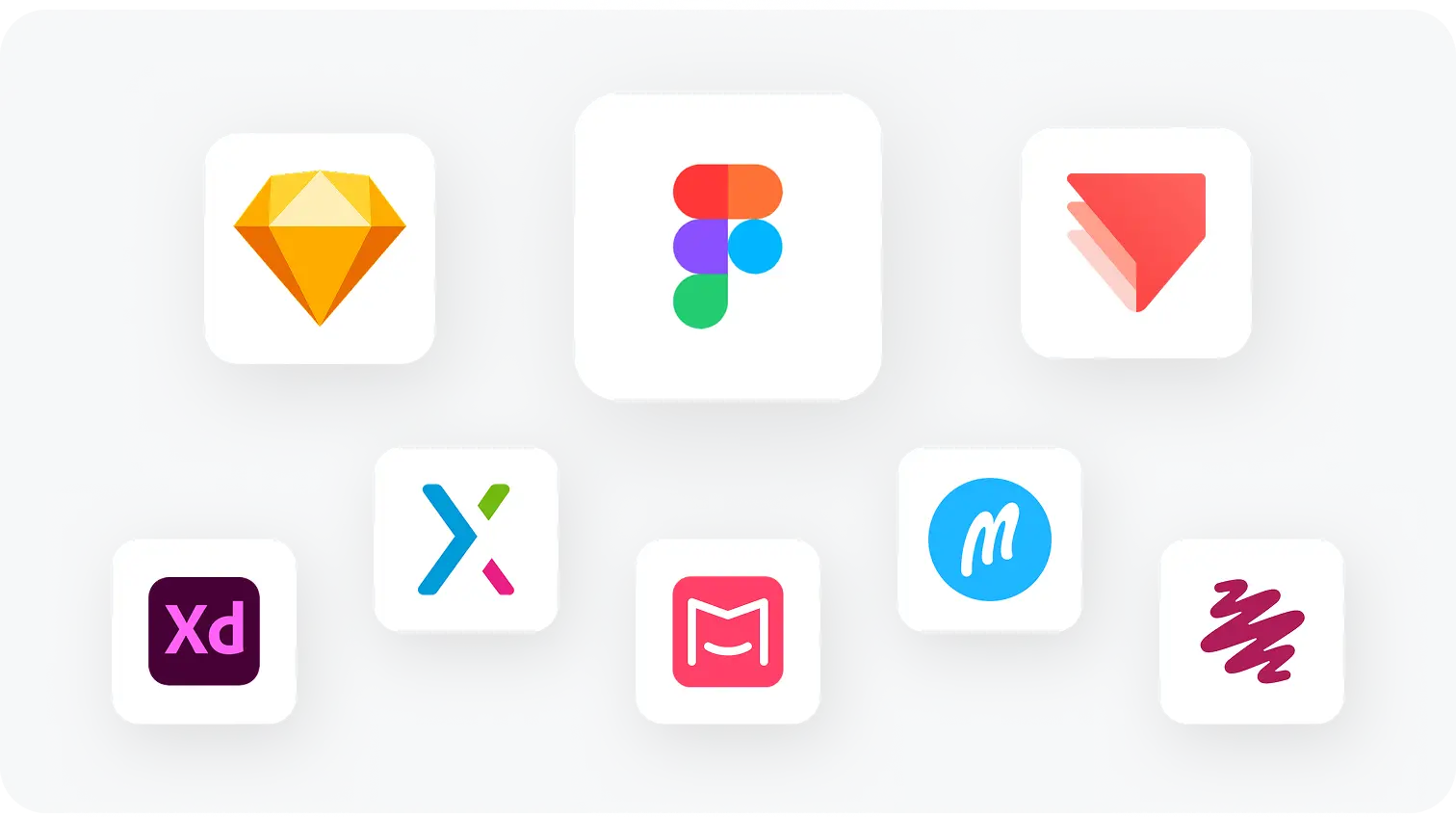
Sketch — a classic macOS tool, great for layouts and UI design, but less convenient for team collaboration.
ProtoPie — suitable for complex interactive scenarios with advanced logic and animations, though it’s not part of our workflow.
Axure RP — strong for complex logic, conditional transitions, and interactive UX flows.
Adobe XD — convenient for basic prototyping, but now largely discontinued by Adobe.
Mockplus — good for team collaboration and simple wireframes.
Marvel — especially useful for demos, with a simple and intuitive interface.
Balsamiq — ideal for quick low-fidelity prototyping, styled to look like hand-drawn sketches.
UXPin — strong when working with design systems and component logic.
Why Clickable Prototypes Save Thousands
Changes made after launch are costly. Prototypes help avoid expensive rollbacks because:
- UX is validated before any code is written;
- weaknesses in logic are identified early;
- team communication becomes more transparent;
- everyone sees and understands the product in the same way.
This helps avoid situations where a designer “meant one thing” and a developer “built something else.” As a result, teams stay aligned and development moves forward without costly backtracking.
How We Conduct Usability Testing
Usability testing is a critical stage of the UX process, and prototypes make it possible to run it without launching a real product. A prototype becomes a “living model” that allows teams to test interaction scenarios, understand user behavior, and identify weak points.
Here’s how we approach the process:
Scenarios and goals
We create tasks that simulate real-life situations (for example: “Book a workout session”).
The right participants
We invite real users or people who match the target audience.
Observation
We document reactions, difficulties, hesitation, confusion — everything that points to UX issues.
Feedback
We collect participants’ thoughts after they complete the scenario.
Iteration
We make changes based on the feedback gathered.
How We Use Prototypes in Real Projects
At Excited, we don’t guess — we validate. For us, a prototype isn’t just a visualization of a future product. It’s a working tool for communication, hypothesis testing, and feedback collection. We integrate prototypes at different stages of the process — from early-stage discovery to development readiness.
How exactly do we do it?
Mobile app redesign
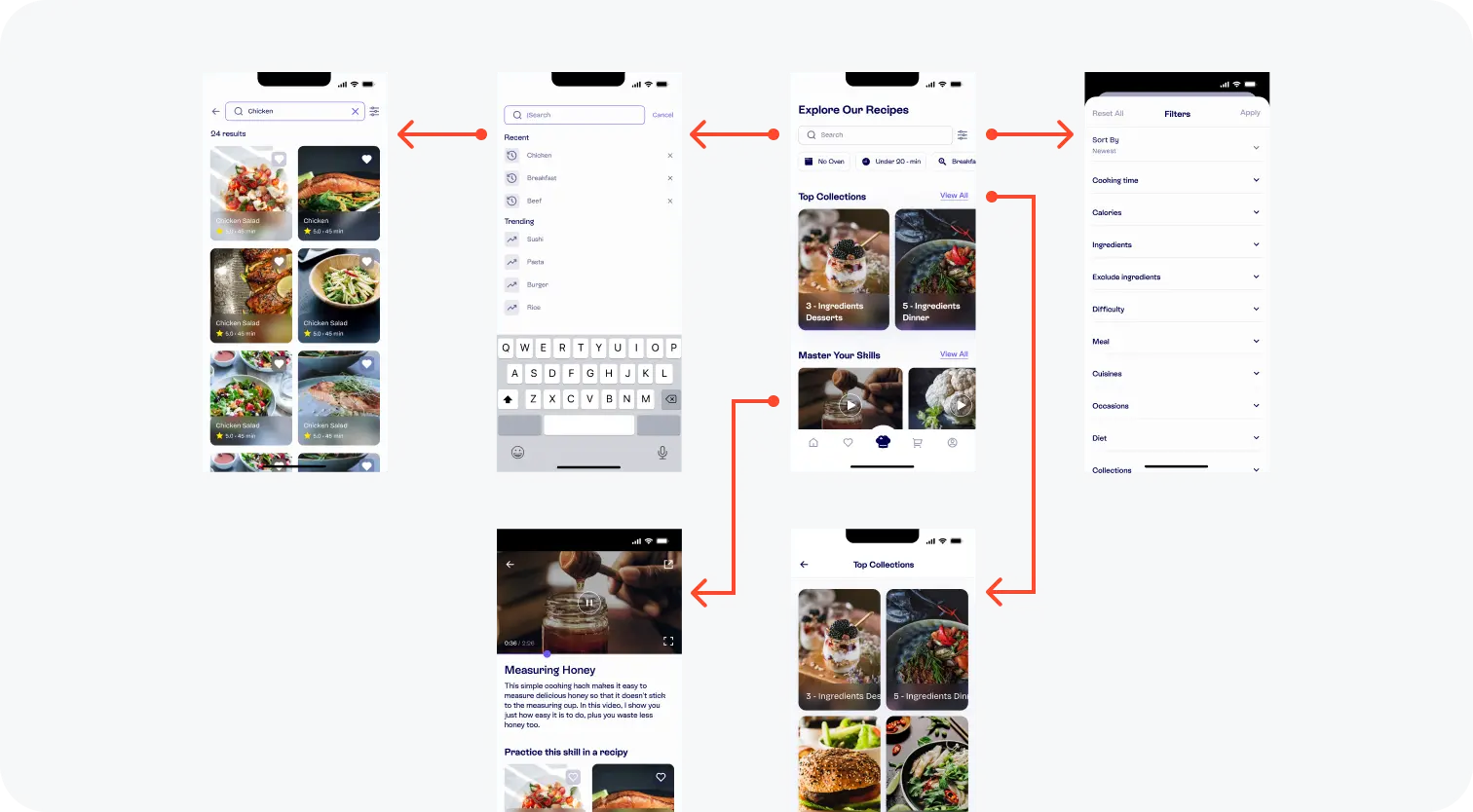
We built a high-fidelity prototype of a new mobile interface and ran a series of interviews with end users. This helped us understand how users navigate the new structure, refine scenarios, and gather feedback before development started.
Prototyping specific product parts
In one project, the client wanted to validate a specific functional block before development. We created a detailed prototype that was later used in demos with potential users.
Single-feature prototypes for presentations
Sometimes clients need to showcase a specific feature. We create a fast prototype of a single feature — complete with logic, interactions, and micro-animated states. This makes it possible to present the idea in action, even without a finished product.
Multi-role coverage
In one case, we developed a multi-level prototype that included different user roles. Each role followed its own flow, allowing us to collect feedback and validate the end-to-end logic and usability for every role.
We have many similar cases where prototypes became a decisive tool in the early stages of design.
.webp)
Prototypes Are the Smarter Path
For us at Excited, UX prototypes are more than just a process step. They’re a tool that helps reveal what works and what doesn’t early on. Prototypes bring clarity, reduce risks, save resources, and allow teams to see the product through the user’s eyes before a single line of code is written.
We don’t guess. We validate. We create prototypes, test them together with clients and users, collect feedback, and make decisions based on facts — not intuition.
And it works. Regardless of project scale — from an initial idea to a single feature — prototypes help save time, avoid unnecessary costs, and make the product stronger before development even begins.
Service short description